How to Create a Parlay on BettorEdge
Parlays Let You Amplify Your Winnings

Greg Kajewski
Last Update hace 10 meses
Introducing the Parlay feature on Bettoredge—designed for avid sports bettors seeking to amplify their winning potential.
Introduction
This feature enables you to combine multiple bets into one, enhancing your experience by maximizing returns while offering an engaging betting strategy.
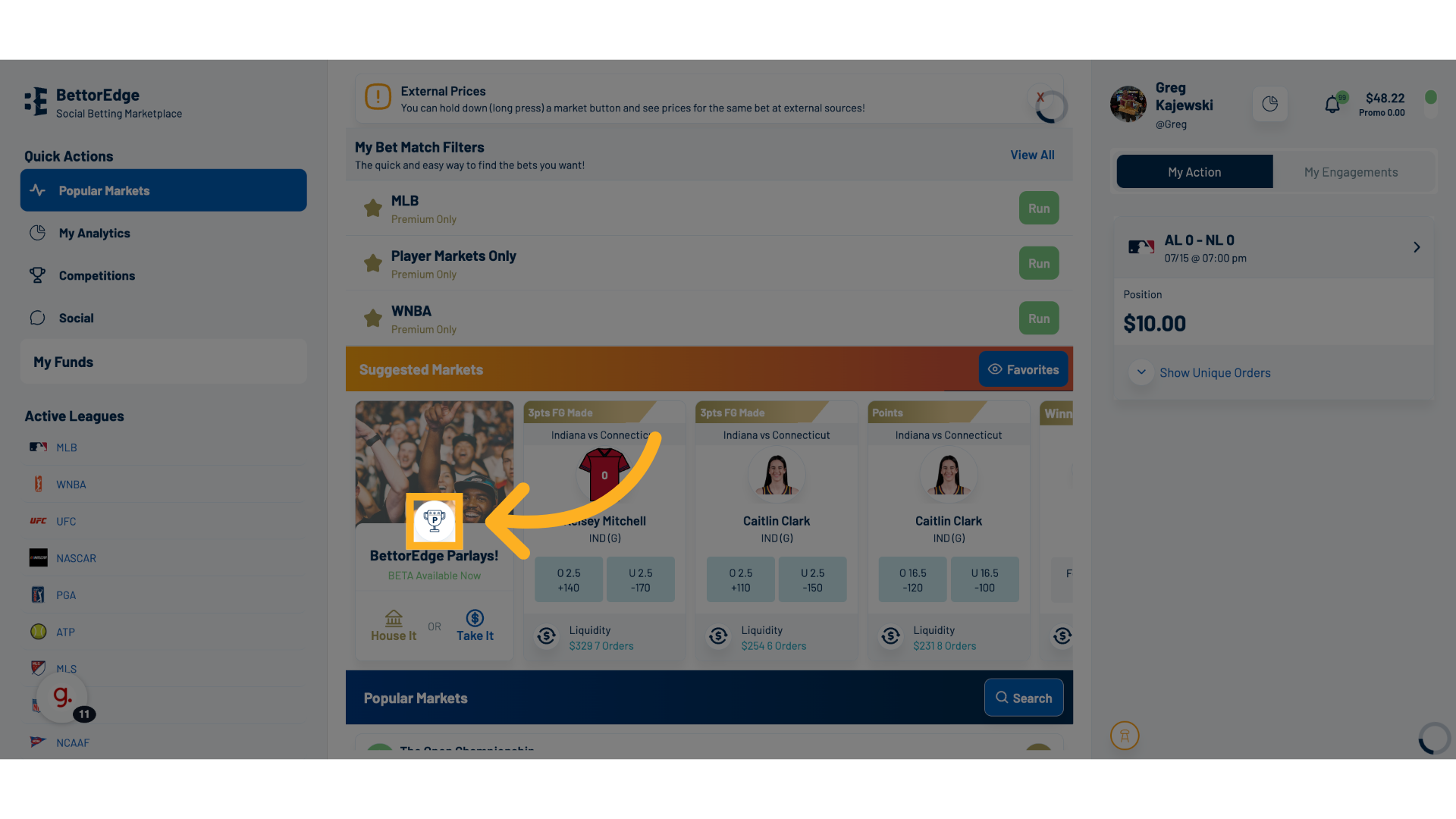
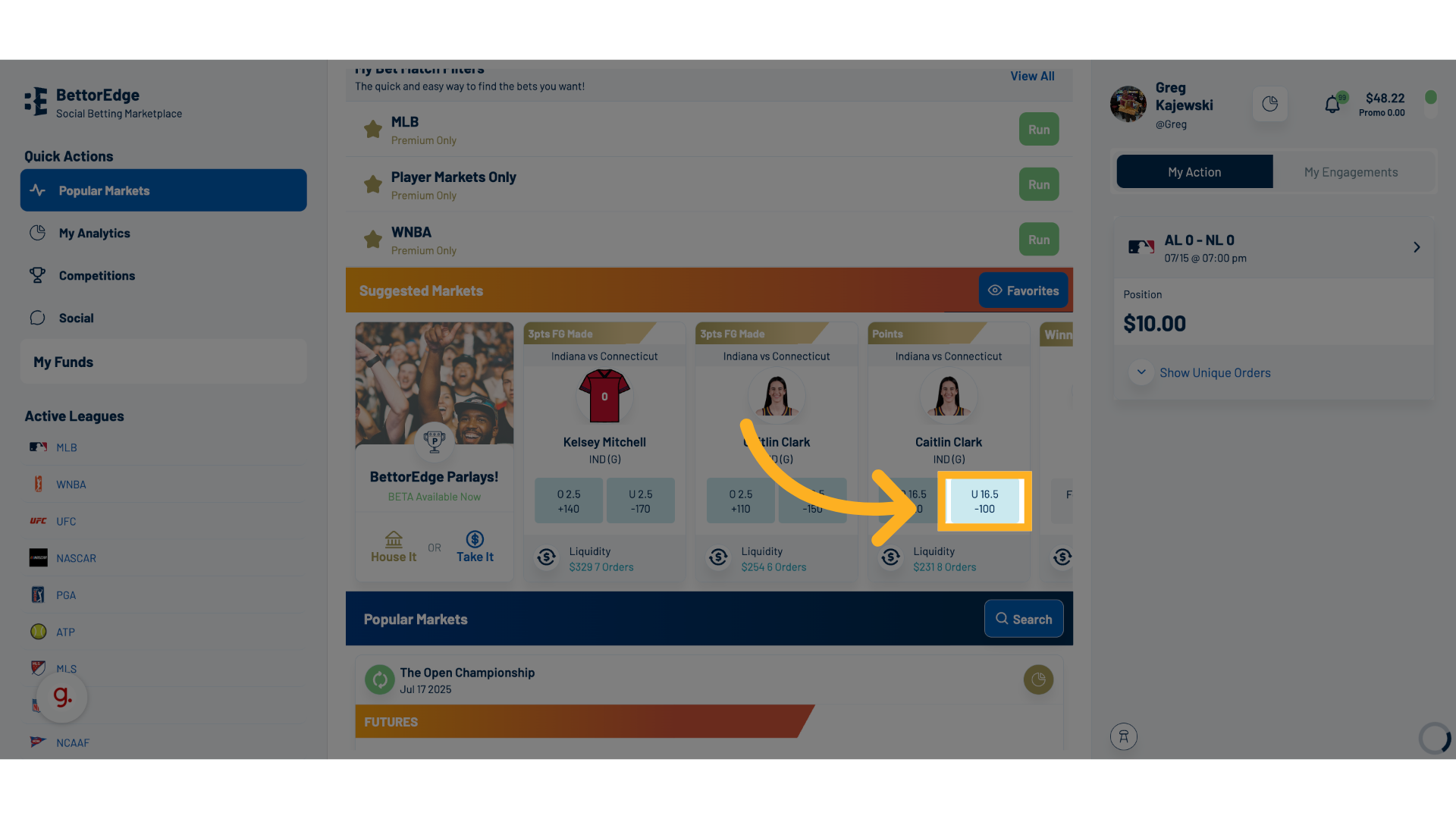
1. Click a Side on To Start Your Parlay
Select the odds for your desired bet, which serves as the starting point for your parlay, enhancing your potential payout.
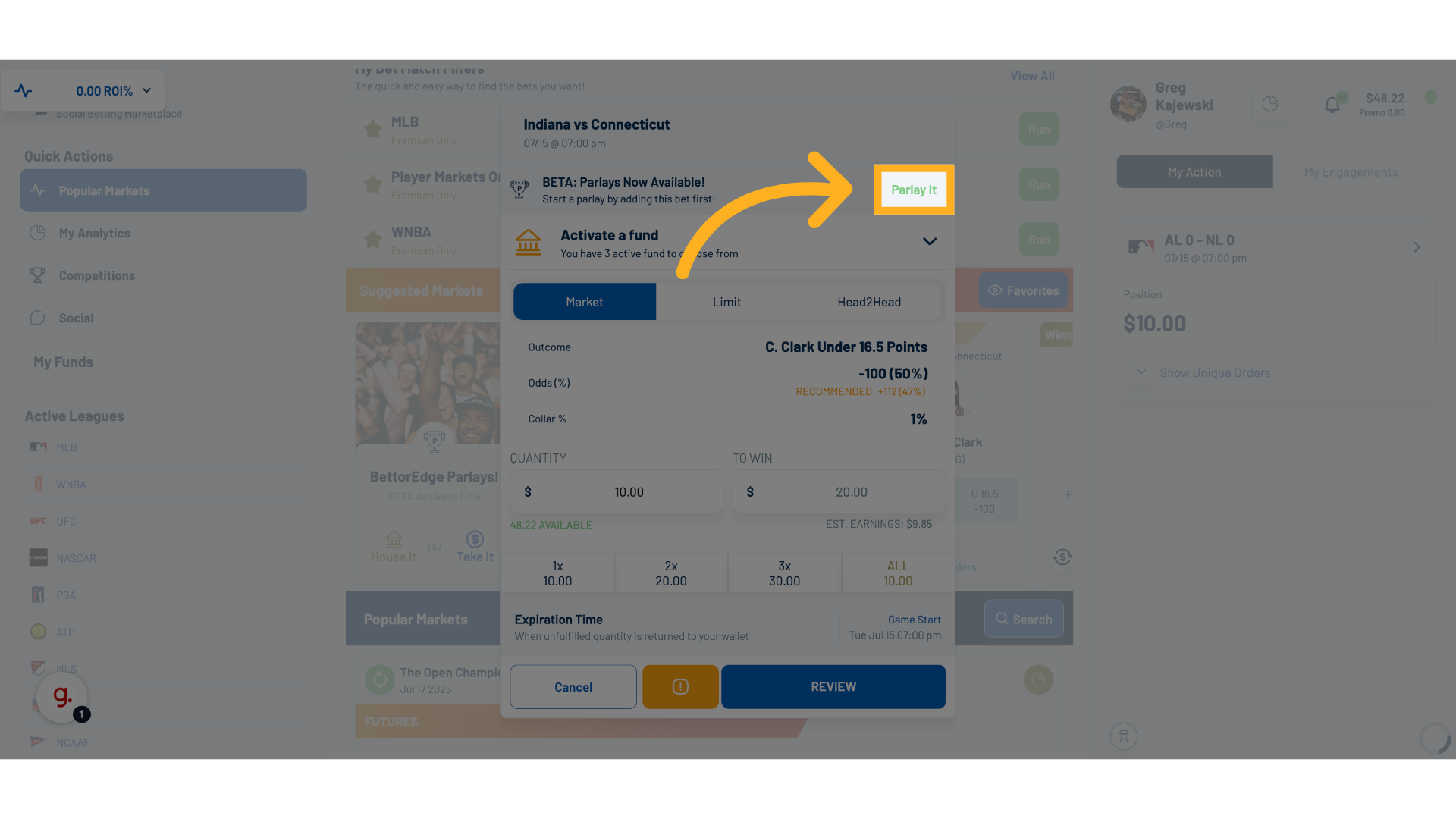
2. Click Parlay It
Start the Parlay Creation Process to combine multiple bets for a higher return.
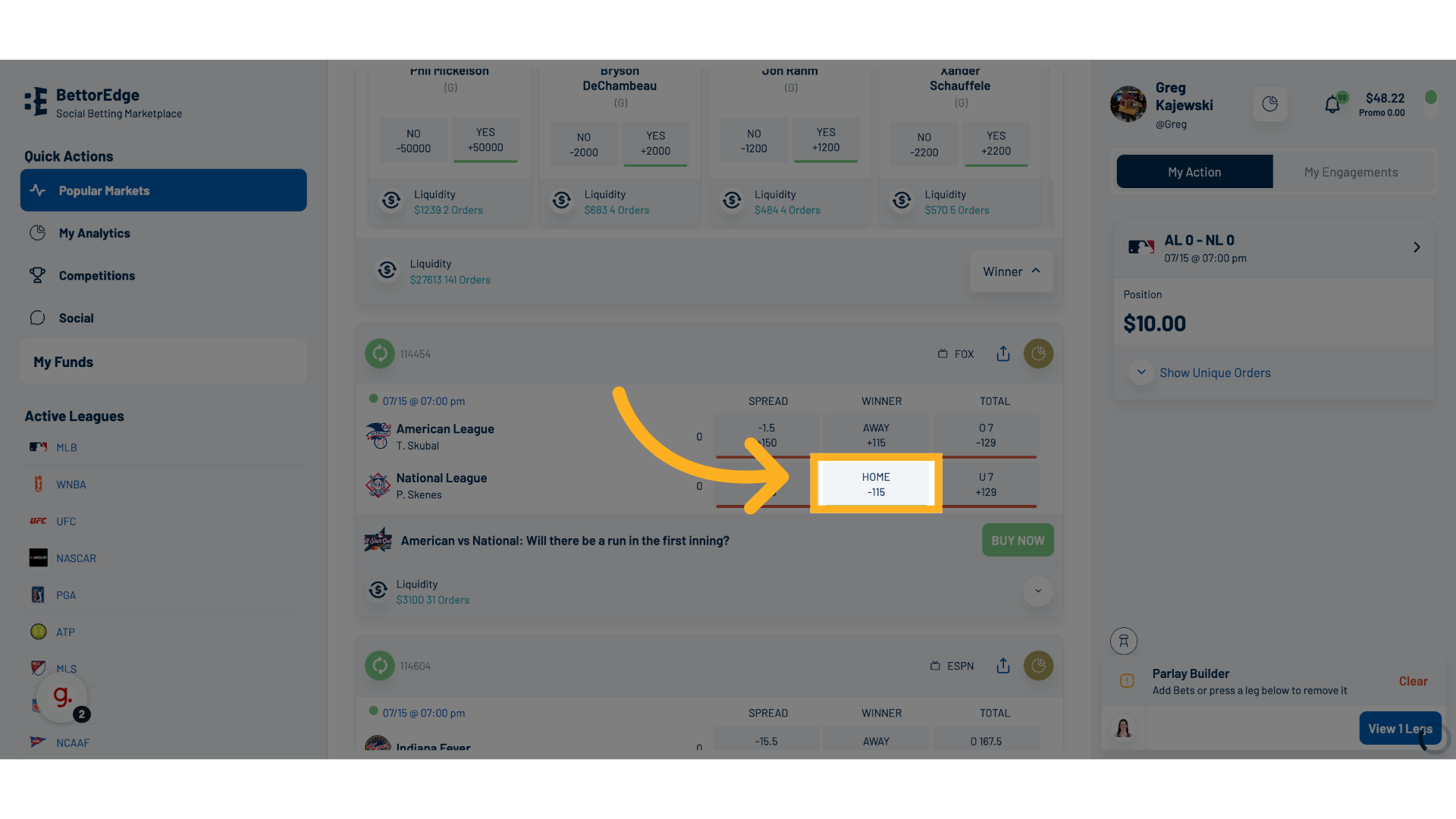
3. Add additional selections or legs to the parlay
Once you return to the markets main screen, add additional selections or legs to your parlay by clicking on each side.
4. Manage Your Parlay in Parlay Builder
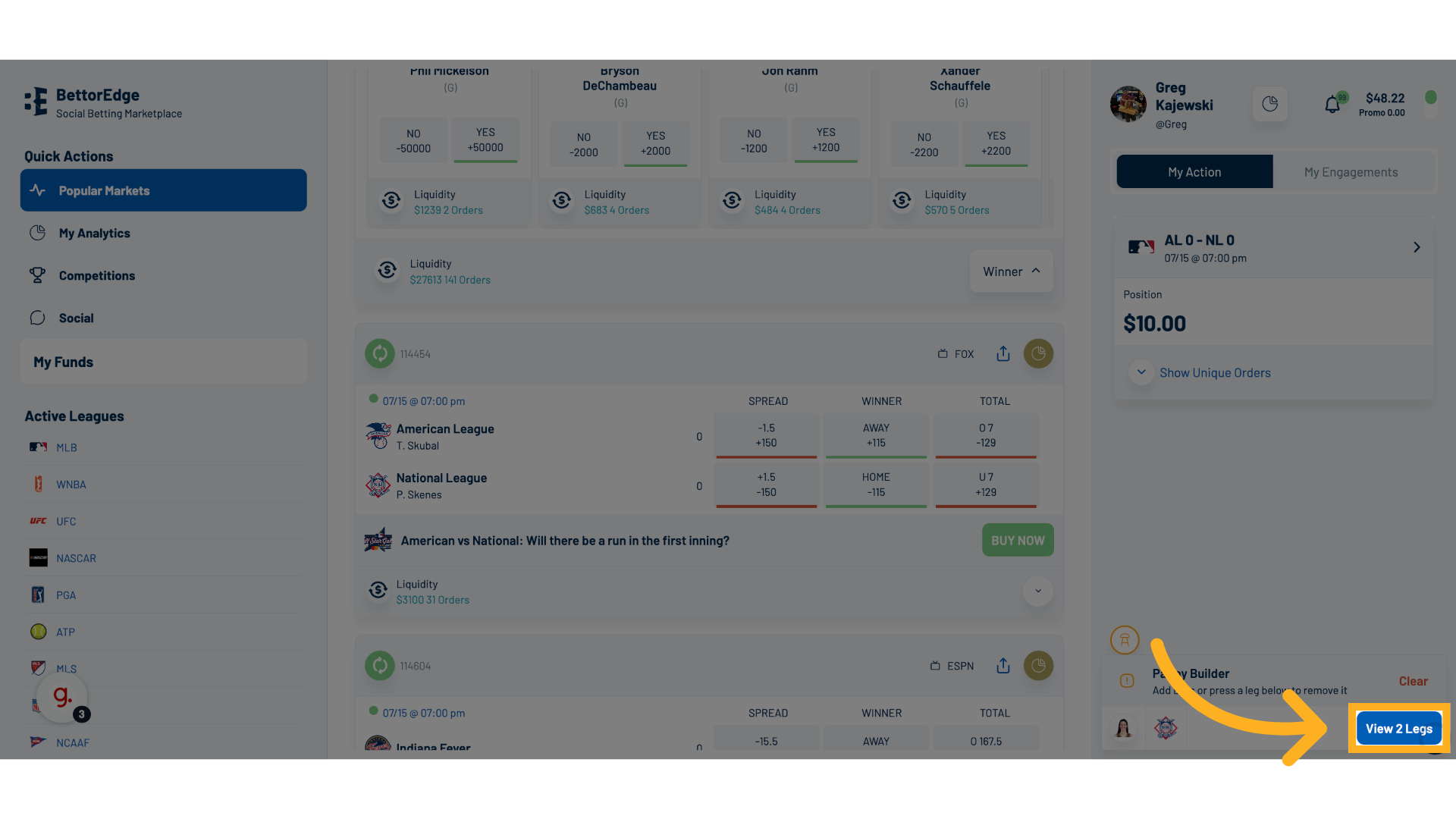
Once your selections are done, you'll see them added to your Parlay Builder. Select "View # Legs" button to see the full parlay, enter amount, and take/hose the parlay.
5. Finalize Your Parlay Details
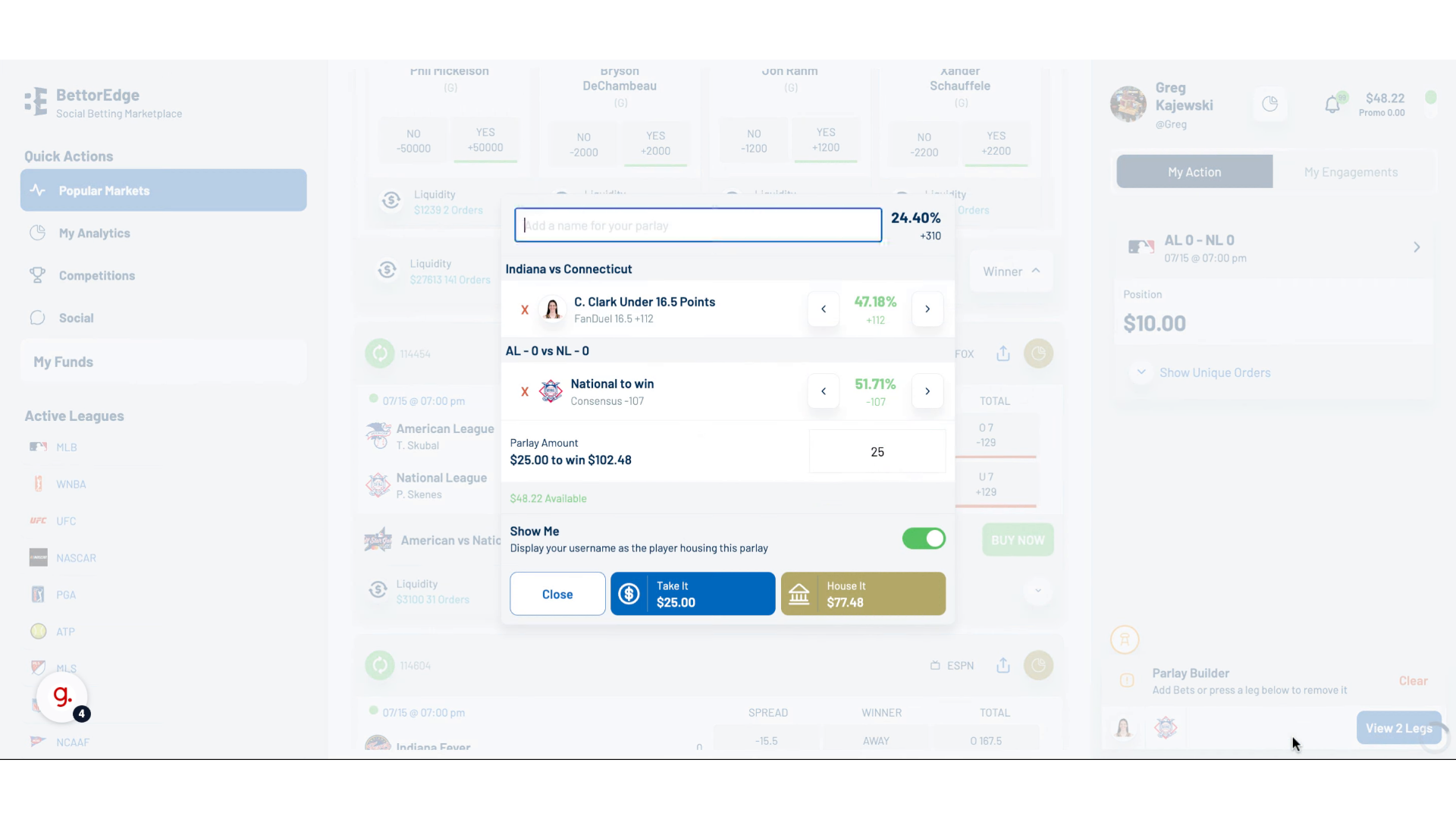
Enter your Amount, Adjust Leg Prices up or Down, or Provide a Fun Name.
Once Updated, Click on "Take It" or "House It". From there, you can review/submit your parlay out to others to take.
Take It - You're Betting on the Parlay to Happen (Higher Winnings Compared to Stake)
House It - You're Betting on the Parlay Not to Happen (Higher Probability and Lower Payout)
6. Review Other Parlays in the Community
Go to the Parlay section to see any open parlay offers available for you to Take or House.